Skip to content
VIBE AI Video Generator logoVIBE

AI Video Generator

AI Video Generator with the Models You Want

Generate AI videos from your phone with VIBE. Access WAN 3.0, Seedance 2.5, Happy Horse 1.1, Sora 2, Veo 3.1 and more AI video models from one app.

  • 🎬 AI video generator app for iOS and Android
  • 📝 Text to video AI from a written prompt
  • 🖼️ Image to video AI on compatible models
  • 🎛️ Multiple AI video models in one place

Available for iOS & Android

VIBE AI Video Generator app showing a Google Veo 3.1 Fast prompt-to-video example
🔥 New clips in the app

Choose your model

One prompt. Different possibilities.

Model choice can matter because different AI video models may interpret the same idea differently. Pick a model in VIBE, then generate. VIBE is the app. The names below are models available through it.

More

Google Veo 3.1 AI Video Generator

Google Veo 3.1 is a video-generation model available through VIBE. Use it when you want to create Google Veo 3.1 AI videos from a prompt inside the app. VIBE is not the developer of Veo.

Supported inputs and generation settings are shown in the app for the selected model. They can change as models update.

What is VIBE AI Video Generator?

VIBE is an AI video generator app for iOS and Android. It lets you create AI-generated videos from a text prompt or, on compatible models, from an image. Instead of living in one model, VIBE provides access to multiple supported video AI models — including WAN 3.0, Seedance 2.5, Happy Horse 1.1, Sora 2 and Google Veo 3.1 — from one mobile app.

Multiple AI Video Models. One App.

Instead of building the experience around only one video model, VIBE lets you choose between different supported AI video models. The app is VIBE. The cards below are models you can generate with.

Why use an AI video generator with multiple models?

Different AI video models can produce different visual styles, motion, prompt interpretations, generation options and results. A multi-model app lets you choose a model based on the video you want to create without a separate workflow for every model. VIBE puts that choice on your phone: pick WAN 3.0, Seedance 2.5, Sora 2, Veo 3.1, Happy Horse 1.1 or another supported model, then generate.

Text to video AI

Turn words into video

Write a prompt, choose a compatible model, then generate. This is the text to video AI path in VIBE. Not every model accepts text the same way, so check the on-screen options for the model you picked.

  1. 1. Write prompt
  2. 2. Choose model
  3. 3. Generate video
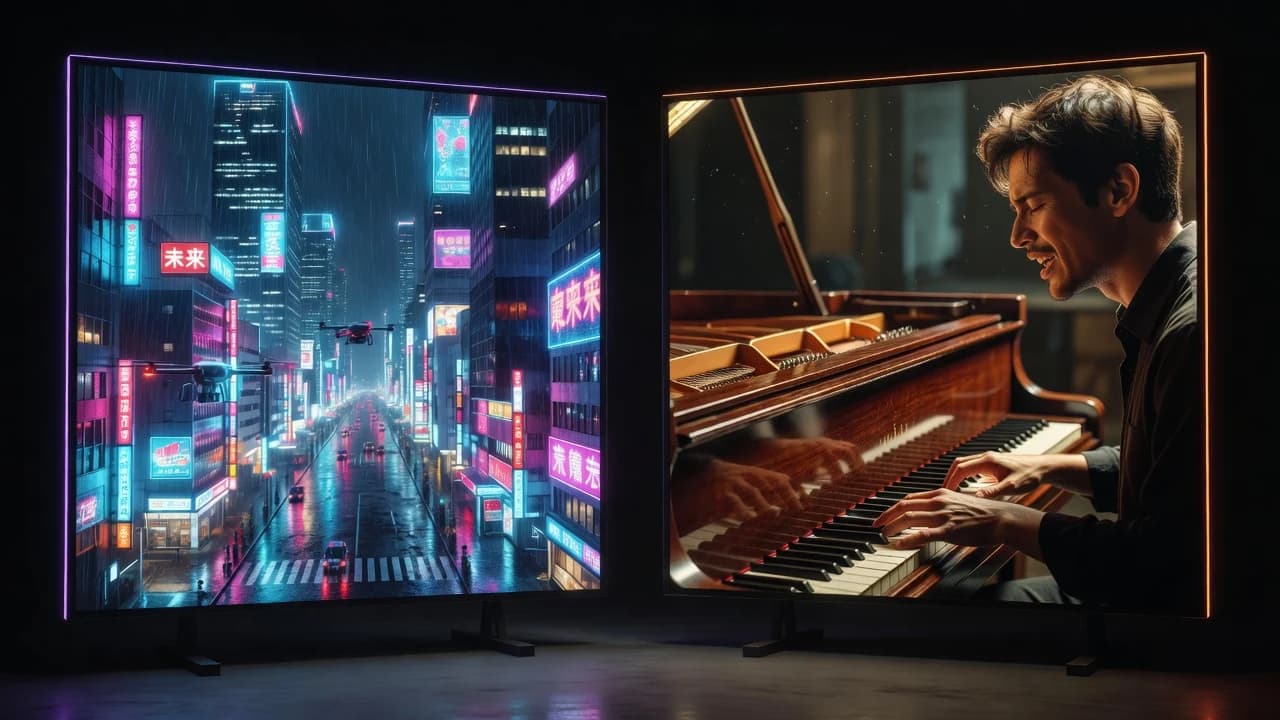
A cinematic drone shot flying through a futuristic Tokyo at night.
A tiny astronaut exploring a kitchen like an alien planet.
Luxury perfume bottle surrounded by flowing water and flowers.
Create video from text

Image to video AI

Turn an image into an AI video

Upload an image and use a compatible model to generate motion from it. Photos, AI artwork, product images, illustrations, characters, landscapes and other stills can all be starting points — when the selected model supports image input.

photoproductcharacterlandscapeillustration
Animate an image

Video examples, not stock filler

These are real clips. Where a prompt or model is known, it is labeled. Clips without a model name are shown as creative examples, not as a claim about a specific model.

16:9

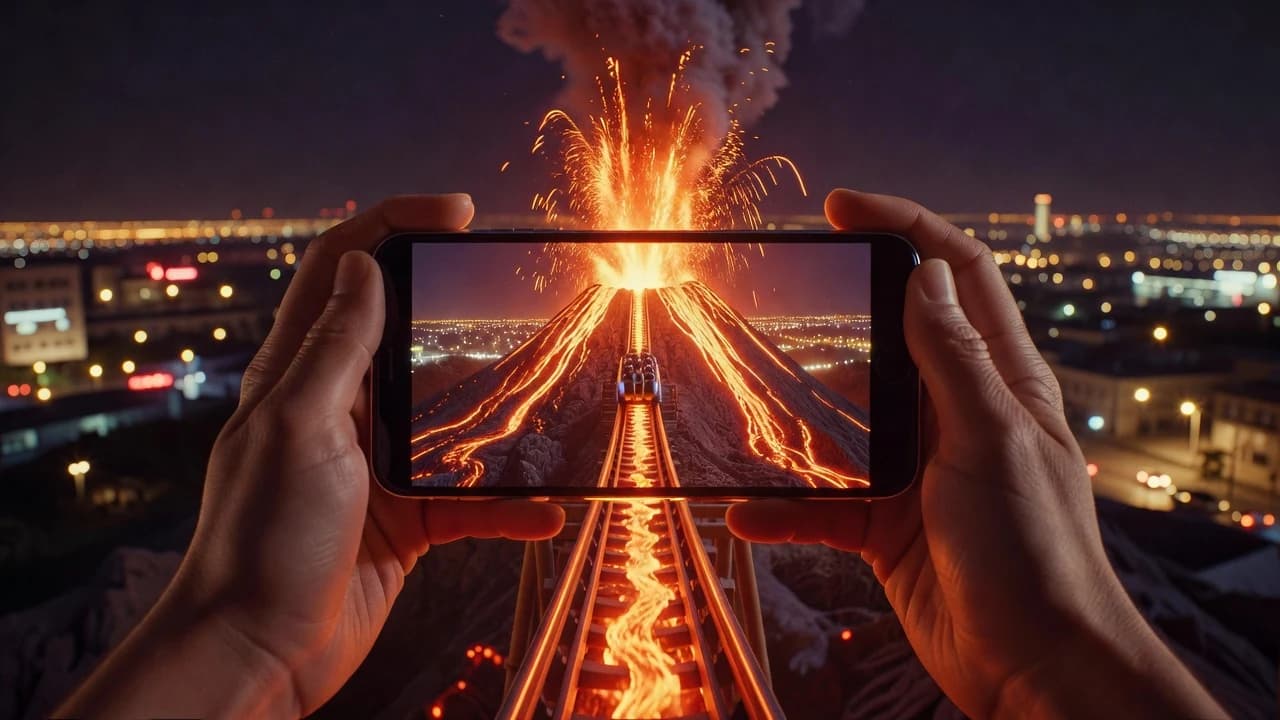
Prompt: First-person POV of a roller coaster plunging into the mouth of an erupting volcano. The track spirals down through rivers of glowing orange lava, sparks and embers flying past the camera. The coaster banks hard around a pillar of molten rock, then launches upward through a vent, bursting out of the volcano's crater into a dazzling sunset sky above the clouds. Wind roaring, riders screaming with excitement, the deep rumble of the volcano.

16:9

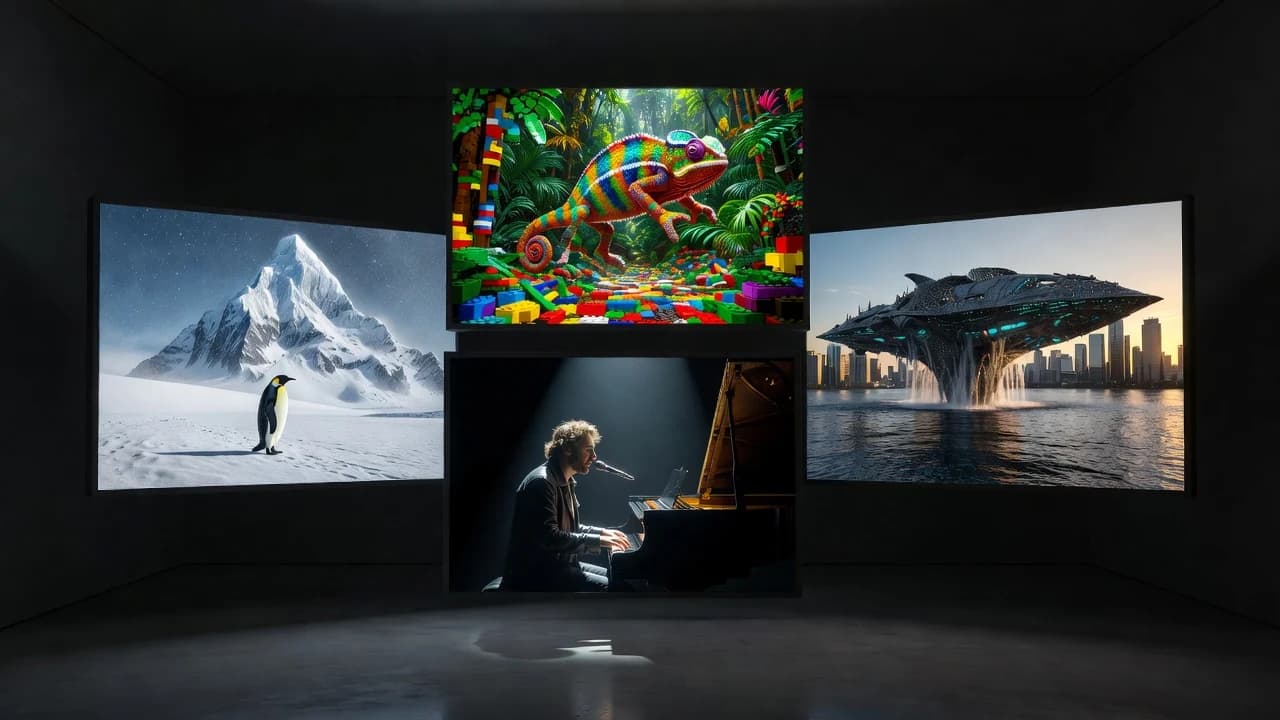
Prompt: He sings and plays the piano

16:9

Prompt: A dense, verdant jungle world made up of small lego-like pieces. We see a rainbow chameleon running through the 3D world, the camera in and out of focus.

16:9

Prompt: a penguin walks away from the camera, towards a large snowy mountaintop in the distance

16:9

Prompt: A massive alien spaceship, miles long and covered in glowing blue circuits, slowly rises from the East River in Manhattan. Water cascades off its hull as it ascends past the Brooklyn Bridge. Helicopters scatter, car alarms blare across the city. The camera captures this from a rooftop in DUMBO, showing the ship dwarfing the entire skyline as golden sunset light reflects off its surface. Thunderous rumbling, water crashing, distant sirens.

16:9

Prompt: Cinematic drone footage of a dragon made of living fire soaring over a frozen Nordic fjord at twilight. Its wings trail streams of flame that melt the ice below, creating swirling clouds of steam. The dragon banks sharply and breathes a column of fire across the mountainside, igniting the snow in brilliant orange and gold. Northern lights shimmer green and purple in the sky above. Thunderous wingbeats, crackling fire, hissing steam, a deep otherworldly growl.

Google Veo 3.116:9

VEO 3.1 example

Sora 216:9

Sora 2 example

Vertical clips

9:16

Vertical clip 1

9:16

Vertical clip 2

9:16

Vertical clip 3

9:16

Vertical clip 4

9:16

Vertical clip 5

9:16

Vertical clip 6

9:16

Vertical clip 7

9:16

Vertical clip 8

9:16

Vertical clip 9

Create something like this

WAN 3.0 AI Video Generation

WAN 3.0 is one of the video AI models available through VIBE. Open the model picker, choose WAN 3.0, and generate a WAN 3.0 AI video from a supported input. VIBE also lists WAN 2.6 and WAN 2.2 when those versions are available. VIBE did not build WAN; it provides access to supported WAN workflows on iOS and Android.

Open this model page →

Seedance 2.5 AI Video Generation

Seedance 2.5 is available as one of VIBE’s supported AI video models. You can also find Seedance 2.0 and Seedance Pro Fast in the same list when they are offered. Pick the Seedance version you want, then generate. Check the app for the current Seedance inputs and options.

Open this model page →

Create Videos with Sora 2

Sora 2 is the video model. VIBE is the app providing access to supported Sora 2 workflows, including Sora 2 Pro when listed. VIBE is not OpenAI and is not the official Sora application. If you want a Sora 2 AI video generator on your phone, choose Sora 2 in VIBE and generate from a supported prompt or image.

Open this model page →

Veo 3.1 AI Video Generation

Google Veo 3.1 is a video-generation model you can access through VIBE, along with Google Veo 3.1 Lite and Google Veo 3.1 Fast. Create Google Veo 3.1 AI videos by selecting the Veo option you want. VIBE did not develop Veo. Generation settings such as duration, aspect ratio, resolution and audio appear in the app when that model supports them.

Open this model page →

Happy Horse 1.1 AI Video Generation

Happy Horse 1.1 is another supported AI video model in VIBE. Select Happy Horse 1.1 when you want a Happy Horse AI video. As with every third-party model, availability and options can change — confirm them in the app before you generate.

Open this model page →

More AI video models in VIBE

Google Veo 3.1 Lite AI Video Generator

Google Veo 3.1 Lite is a Veo 3.1 variant available in VIBE. Open the model picker, choose Veo 3.1 Lite, and generate from a supported prompt or image workflow.

Google Veo 3.1 Fast AI Video Generator

Google Veo 3.1 Fast is available in VIBE as a Veo 3.1 option. In-app generation cards can show duration, aspect ratio, resolution and audio when that model supports them.

💎 Sora 2 Pro AI Video Generator

Sora 2 Pro is a Sora 2 option you can select in VIBE when it is available. Check the app for the current Sora 2 Pro generation settings.

🎞️ LTX 2 AI Video Generator

LTX 2 is a supported AI video model in VIBE. Choose LTX 2 in the model list when you want to generate with that model.

🌈 PixVerse 5.6 AI Video Generator

PixVerse 5.6 is available as one of VIBE’s supported AI video models. Select it before you generate so the clip is created with PixVerse 5.6.

🚀 Kling o3 AI Video Generator

Kling o3 is a video AI model you can access through VIBE. VIBE provides the mobile workflow; it does not own the Kling model.

🎥 Kling 3.0 AI Video Generator

Kling 3.0 is another Kling-family model available in VIBE. Switch to Kling 3.0 in the selector when you want that version.

🌱 Seedance Pro Fast AI Video Generator

Seedance Pro Fast is a Seedance option in VIBE. Use it when you want a Seedance generation path from the same mobile app.

🌿 Seedance 2.0 AI Video Generator

Seedance 2.0 is a supported AI video model in VIBE. Choose Seedance 2.0, add a prompt or image if the model supports it, then generate.

🧠 Grok Imagine Video AI Video Generator

Grok Imagine Video is a supported video-generation model in VIBE. Select it in the app when you want a Grok Imagine Video clip.

🟣 Vidu Q3 AI Video Generator

Vidu Q3 is available in VIBE as a video AI model. Pick Vidu Q3 from the model list before you generate.

🔥 Pruna 5 AI Video Generator

Pruna 5 is one of the AI video models you can access in VIBE. Availability and generation options can change, so confirm them in the app.

☀️ Luma Ray Flash 2 AI Video Generator

Luma Ray Flash 2 is a supported model in VIBE. Use the in-app selector to generate with Luma Ray Flash 2 when it is listed.

🌊 WAN 2.6 AI Video Generator

WAN 2.6 is a WAN-family video model available through VIBE. Select WAN 2.6 when you want that version of WAN AI video generation.

💧 WAN 2.2 AI Video Generator

WAN 2.2 is another WAN model you can choose in VIBE. Switch versions in the model picker instead of installing a separate app.

❄️ Hailuo AI Video Generator

Hailuo is a supported AI video model in VIBE. Choose Hailuo in the selector when you want a Hailuo generation.

VIBE provides access to supported AI video-generation models from multiple providers. Third-party model names and trademarks belong to their respective owners. VIBE is not the developer of those models unless explicitly stated otherwise. Available models and generation options may change over time. Check VIBE for the currently available models, formats and generation settings.

AI video generation without the premium price tag

VIBE is an affordable AI video generator app: you can try multiple supported models from your phone and see applicable generation costs or credits before you generate, when that information is shown in the app. This site does not claim VIBE is the cheapest AI video generator anywhere. It is built for people who want access without juggling a stack of separate tools.

Start creating

Create videos for the platforms you use

TikTok

Short creative AI clips you can post after you export.

Instagram Reels

Visual concepts and social content from a prompt or still.

YouTube Shorts

Vertical storytelling and experimental clips.

Ads

Creative concepts and product visuals to explore before a shoot.

VIBE does not automatically optimize a file for a specific platform unless that option is shown for the model you selected.

Who VIBE is for

Content creators

Turn ideas and images into video concepts.

Social media creators

Experiment with short-form AI video.

Marketers

Explore creative video concepts before a full production.

Small businesses

Create visual content without a traditional crew.

Designers & artists

Add motion to creative concepts.

AI enthusiasts

Try multiple video-generation models from one app.

Which AI video model should you use?

There is no universally best model for every task. Visual output, motion, prompt interpretation, available inputs, generation options, speed and cost can all differ. The table below only lists what is stable: the model is selectable in VIBE, and VIBE is the app.

ModelIn VIBEText to videoImage to videoNotes
Google Veo 3.1YesCheck in appCheck in appSettings vary by version
Happy Horse 1.1YesCheck in appCheck in appSettings vary by version
Sora 2YesCheck in appCheck in appSettings vary by version
Seedance 2.5YesCheck in appCheck in appSettings vary by version
WAN 3.0YesCheck in appCheck in appSettings vary by version

Last updated: September 14, 2026

Deeper read: AI video model comparison and Sora 2 vs Veo 3.1.

VIBE logo

Download VIBE for iOS and Android

Get the AI video generator app from the official stores. iPhone opens the App Store. Android opens Google Play.

Download on the App StoreGet it on Google Play
VIBE AI Video Generator app showing a Google Veo 3.1 Fast prompt-to-video example

Quick answers

What is an AI video generator?

An AI video generator is software that creates a video from a prompt, an image, or another supported input using a video-generation model. VIBE is an AI video generator app for iOS and Android.

How does an AI video generator work?

You choose a model, provide a supported prompt and/or image, then generate. The selected model returns a video. Results vary with prompt, image, model version and settings.

What is VIBE AI Video Generator?

VIBE is an AI Video Generator app for iOS and Android that lets users create AI-generated videos using multiple supported video AI models, including WAN 3.0, Seedance 2.5, Happy Horse 1.1, Sora 2 and Veo 3.1.

Can AI generate a video from text?

Yes, when the selected model supports text-to-video. In VIBE you write a prompt, choose a compatible model, and generate.

Can AI turn an image into a video?

Yes, when the selected model supports image-to-video. Provide a still in VIBE and generate motion with a compatible model.

What is text-to-video AI?

Text-to-video AI starts with a written prompt and returns a generated video. VIBE supports this on models that accept text input.

What is image-to-video AI?

Image-to-video AI starts with a still image and generates motion. Support depends on the model you select in VIBE.

Which AI video model is best?

No single model is best for every task. Compare visual style, motion, inputs and cost in VIBE, then keep the clip that fits the job.

What’s the difference between AI video models?

Models can differ in look, motion, prompt interpretation, inputs, options, speed and cost. That is why VIBE ships a model picker.

Can I generate AI videos on an iPhone?

Yes. VIBE is an AI video generator available for iPhone that provides access to multiple supported AI video models from one iOS app.

Can I generate AI videos on Android?

Yes. VIBE is available on Android via Google Play as an AI video generator app with multiple supported models.

What is WAN 3.0?

WAN 3.0 is a video-generation model available through VIBE. It is not the VIBE app. Choose WAN 3.0 in the picker to generate WAN 3.0 AI video.

What is Seedance 2.5?

Seedance 2.5 is a video AI model available in VIBE. Select it when you want a Seedance 2.5 generation.

What is Sora 2?

Sora 2 is a video-generation model. VIBE can provide access to supported Sora 2 workflows. VIBE is not OpenAI.

What is Veo 3.1?

Veo 3.1 is Google’s video-generation model. VIBE can provide access to Google Veo 3.1, Veo 3.1 Lite and Veo 3.1 Fast.

What is Happy Horse 1.1?

Happy Horse 1.1 is a video AI model available through VIBE. Choose it in the app to generate a Happy Horse AI video.

Is there an affordable AI video generator?

VIBE is an affordable AI video generator app for iPhone and Android with multiple supported models. Compare in-app generation costs before you run a job.

Can I use multiple AI video models in one app?

Yes. VIBE is an AI video generator with a model selector, so you can move between supported models without switching apps.


From the VIBE blog

All posts →

FAQ

Straight answers for people comparing AI video generator apps, text to video AI, image to video AI and specific models.

AI Video Generation

An AI video generator is software that creates a video from a text prompt, an image, or another supported input using a video-generation model. VIBE is an AI video generator app for iOS and Android that provides access to multiple supported AI video models in one place.

Text to Video

Image to Video

AI Video Models

WAN

Seedance

Sora

Veo

Happy Horse

Pricing / Credits

iPhone & Android

Video Outputs

Commercial / Creator Use

What AI video still gets wrong

Generated videos can vary based on prompt, source image, selected model, model version, generation settings and scene complexity. Clips may not follow every instruction. VIBE does not guarantee perfect motion, exact faces, exact text rendering, physical realism or perfect consistency. Iterate, switch models, and keep the take that works.

Cinematic AI video still of a fire dragon over a frozen fjord

Your next video starts with an idea.

Choose an AI video model, add your prompt or image, and turn your idea into motion with VIBE.

Download on the App StoreGet it on Google Play

Available for iOS & Android

Download on the App StoreGet it on Google Play